
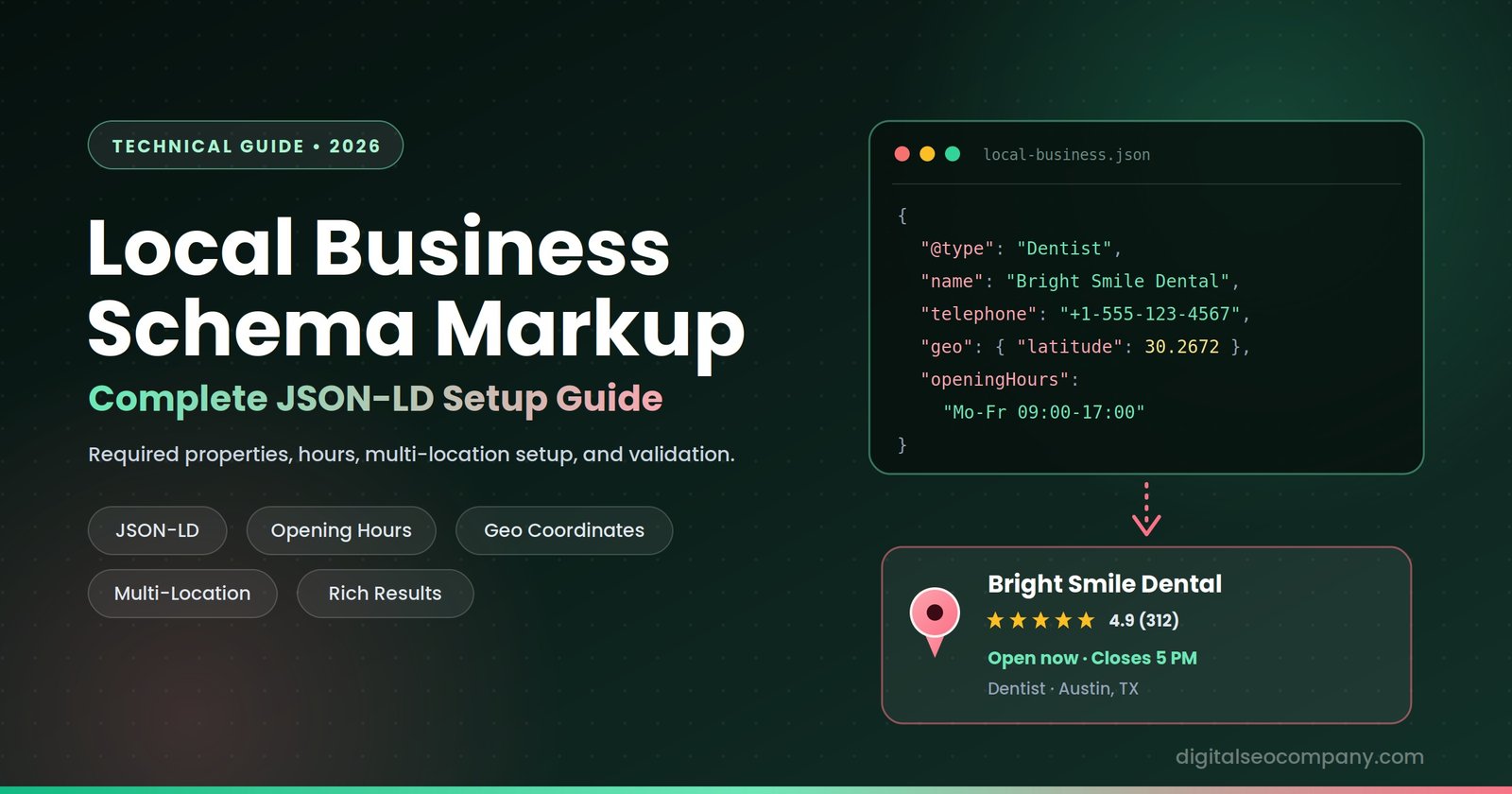
LocalBusiness schema is structured data, written in JSON-LD, that tells Google and AI search systems exactly what your business is, where it’s located, when it’s open, and how customers reach you — in a machine-readable format rather than text they have to infer. Google’s own documentation lists only two properties as strictly mandatory (name and address), but a properly built LocalBusiness schema goes much further, feeding the Knowledge Panel, the Map Pack, and increasingly, the AI Overviews and chat assistants that now answer local queries directly.
This Schema Markup Services guide walks through every property that actually matters, a full working code example, and the mistakes that quietly break rich results even when the schema technically validates.
Why Local Business Schema Matters
Search engines can usually infer what a page is about from its content. They can’t reliably infer your exact business hours, your precise coordinates, or which of your services this specific location offers — not without guessing. Schema is an important part of local seo also and it removes the guesswork, we already explained regarding this in our local seo guide.
This matters more in 2026 than it used to, for one specific reason: AI systems answering local queries — Google AI Overviews, ChatGPT, Gemini — lean heavily on structured, verifiable data rather than parsing prose to extract facts. A business with technical seo and clean LocalBusiness schema gives these systems an unambiguous source to cite. A business without it is asking the AI to guess your hours from a blog post, which it often gets wrong.
There’s also a compounding effect worth understanding: schema doesn’t just help the page it’s on. A well-built LocalBusiness entity, referenced consistently with a shared @id across your site, helps search engines build a coherent picture of your business as a single trusted entity rather than a collection of disconnected pages that happen to mention the same address. That entity-level trust is part of what feeds eligibility for Knowledge Panels in the first place.
Required vs. Recommended Properties
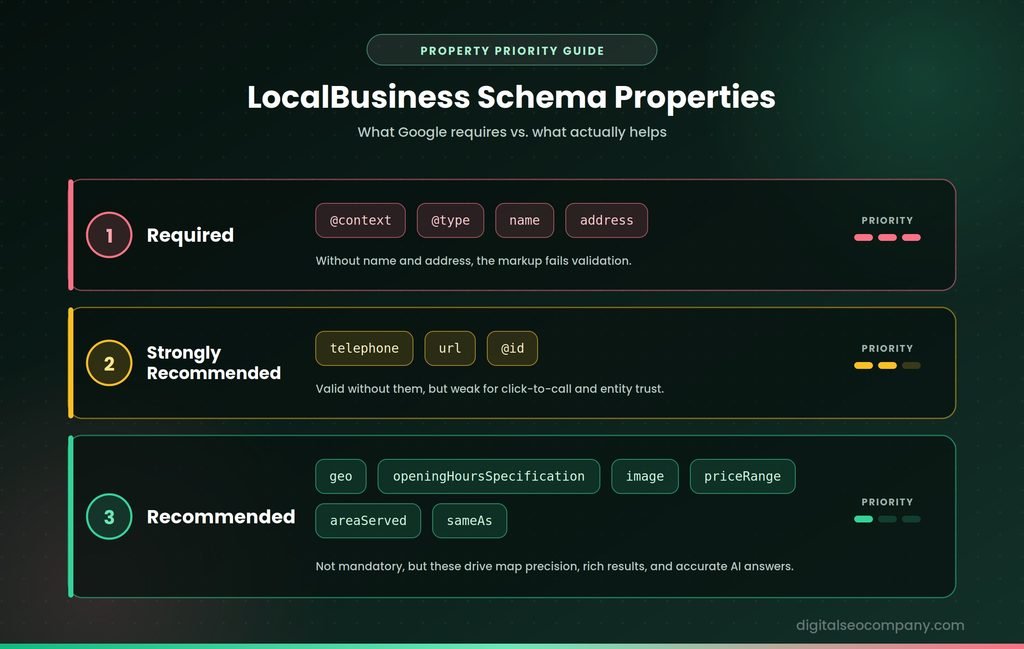
Google’s actual documented requirement is minimal — but “technically valid” and “actually useful” are different bars. Here’s both:
| Property | Status | Purpose |
| @context | Required | Declares the Schema.org vocabulary |
| @type | Required | Your business category — see subtype note below |
| name | Required | Exact business name, matching your Google Business Profile |
| address | Required | Full PostalAddress object |
| telephone | Strongly recommended | Enables click-to-call rich results |
| url | Strongly recommended | Your website — supports entity verification |
| geo | Recommended | Latitude/longitude — precise map placement |
| openingHoursSpecification | Recommended | Structured hours, critical for “open now” queries |
| image | Recommended | Business photo — used in Knowledge Panel |
| priceRange | Recommended | Cost indicator ($ to $$$$) |
| areaServed | Recommended | Geographic service coverage |
| sameAs | Recommended | Links to verified profiles (Google Business Profile, Facebook, Yelp) |
| @id | Strongly recommended | A unique identifier URL, connecting this entity across pages |
Google only fails validation without name and address — but a listing missing telephone, hours, and geo-coordinates is technically valid and practically useless for rich results.
Step 1: Choose the Right Subtype
This is the single most common mistake, and it’s the first decision you’ll make. Schema.org defines dozens of specific LocalBusiness subtypes — Restaurant, Dentist, Electrician, ProfessionalService, HairSalon, and many more. Always use the most specific type that accurately describes your business. Only fall back to the generic LocalBusiness type if genuinely nothing more specific applies.
The reason this matters: the subtype tells Google exactly which queries and rich result features are relevant to you. A generic LocalBusiness type wastes that signal entirely.
Step 2: Build the Core JSON-LD Block
Here’s a complete, working example for a hypothetical local business — adapt the values, not the structure:
{
“@context”: “https://schema.org”,
“@type”: “ProfessionalService”,
“@id”: “https://example.com/#business”,
“name”: “Example Business Name”,
“image”: “https://example.com/images/storefront.jpg”,
“url”: “https://example.com”,
“telephone”: “+1-555-123-4567”,
“priceRange”: “$$”,
“address”: {
“@type”: “PostalAddress”,
“streetAddress”: “123 Main Street”,
“addressLocality”: “Austin”,
“addressRegion”: “TX”,
“postalCode”: “78701”,
“addressCountry”: “US”
},
“geo”: {
“@type”: “GeoCoordinates”,
“latitude”: 30.2672,
“longitude”: -97.7431
},
“openingHoursSpecification”: [
{
“@type”: “OpeningHoursSpecification”,
“dayOfWeek”: [“Monday”, “Tuesday”, “Wednesday”, “Thursday”, “Friday”],
“opens”: “09:00”,
“closes”: “17:00”
},
{
“@type”: “OpeningHoursSpecification”,
“dayOfWeek”: “Saturday”,
“opens”: “10:00”,
“closes”: “14:00”
}
],
“areaServed”: {
“@type”: “City”,
“name”: “Austin”
},
“sameAs”: [
“https://www.facebook.com/examplebusiness”,
“https://www.google.com/maps/place/example-business”,
“https://www.yelp.com/biz/example-business”
]
}
Step 3: Get Opening Hours Right
openingHoursSpecification trips up more implementations than any other property, because it needs to be machine-parseable, not just human-readable.
- Group consecutive days with identical hours into a single object with a dayOfWeek array (as shown above for Monday–Friday) rather than repeating the same hours five times
- Use 24-hour time format (“17:00”, not “5:00 PM”)
- For a business open 24 hours, use “opens”: “00:00” and “closes”: “23:59”
- For a business closed on a specific day, simply omit that day from the specification — don’t include an entry with no hours
Step 4: Handle Multiple Locations
If you operate more than one location, each location needs its own LocalBusiness schema block with its own unique @id, address, and geo-coordinates — don’t try to combine multiple locations into a single schema object. For businesses with distinct departments that have separate hours or contact details within one location (a restaurant with a separate bar, for example), the department property lets you nest a sub-business entity inside the parent listing.
Link each location back to a parent Organization schema using sameAs or a shared brand identifier, so Google understands they’re related entities rather than unconnected businesses.
LocalBusiness Schema vs. Google Business Profile
These two are frequently confused, and it’s worth being precise about the difference. Google Business Profile (GBP) is a listing you manage directly inside Google’s own system — it’s what populates the Map Pack and Google Maps, and it’s managed through a Google account, not your website’s code. LocalBusiness schema is markup that lives on your own website and describes your business to any search engine or AI system crawling your site, not just Google.
They’re not substitutes for each other — they’re complementary, and they should agree. A mismatch between your GBP hours and your schema’s openingHoursSpecification, or between your GBP name and your schema’s name, creates exactly the kind of conflicting signal that undermines both. Treat your schema as the canonical, on-site source of truth that your GBP listing should match, not a separate system to maintain independently.
Step 5: Add Services with hasOfferCatalog
For businesses offering multiple distinct services, nesting a service catalog inside your LocalBusiness schema gives search engines and AI systems a structured list to work from, rather than requiring them to infer your service list from page content:
“hasOfferCatalog”: {
“@type”: “OfferCatalog”,
“name”: “Services”,
“itemListElement”: [
{
“@type”: “Offer”,
“itemOffered”: {
“@type”: “Service”,
“name”: “Emergency Repair”
}
},
{
“@type”: “Offer”,
“itemOffered”: {
“@type”: “Service”,
“name”: “Routine Maintenance”
}
}
]
}
This is optional, but it’s particularly valuable for service-area businesses where the specific services offered aren’t always obvious from the page’s visible text alone — plumbers, electricians, agencies, and similar businesses with several distinct offerings under one roof.
Common Mistakes That Break Rich Results
- Using the generic LocalBusiness type when a specific subtype exists — this alone can prevent certain rich result features from triggering
- Missing geo-coordinates — without them, Google has to infer your map position from the address text alone, which is less precise and sometimes wrong for ambiguous addresses
- Incomplete or malformed opening hours — a common source of “closed” showing when a business is actually open, or vice versa
- NAP inconsistency — if the name, address, or phone number in your schema doesn’t exactly match your Google Business Profile and citations, you’re sending conflicting signals instead of reinforcing a single, trusted entity
- Self-serving aggregateRating — this property is meant for sites that genuinely collect and display third-party reviews; adding a fabricated or unverifiable rating risks a manual action, not just wasted effort
How to Validate Your Schema
Before publishing, run your JSON-LD through Google’s Rich Results Test — it confirms both that the syntax is valid and that it’s eligible for the rich result types you’re targeting. The general Schema.org Validator is a useful secondary check for syntax errors the Rich Results Test doesn’t flag. Validate after every change, not just once at launch — a template update elsewhere on the site can silently break a previously valid block.
Local Business Schema and AI Search
This is where schema stops being a “nice-to-have” and becomes closer to a requirement. AI Overviews and chat-based assistants answering “is [business] open right now” or “what does [business] charge” pull from structured data first, because it’s unambiguous — prose has to be parsed and interpreted, and interpretation introduces error. GEO optimization and a complete, accurate LocalBusiness schema is one of the most direct levers you have over whether an AI system describes your business correctly or guesses wrong from an outdated blog mention.
Local Business Schema Checklist
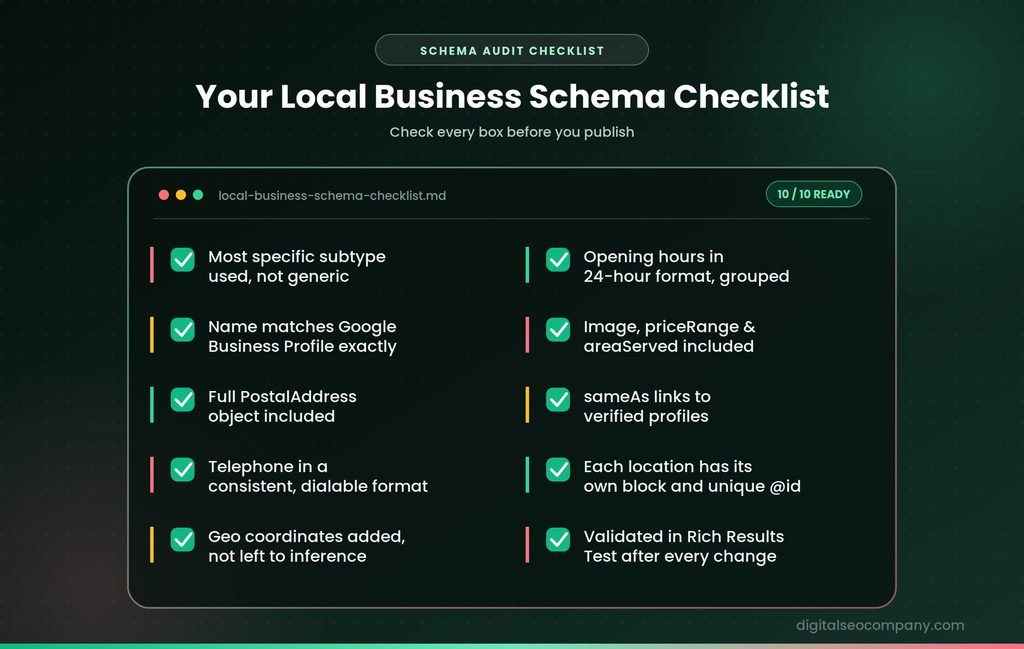
- Most specific accurate subtype selected — not generic LocalBusiness
- Name matches Google Business Profile exactly
- Full PostalAddress object included
- Telephone in a consistent, dialable format
- Geo coordinates added, not left to inference
- OpeningHoursSpecification uses 24-hour format and grouped days
- Image, priceRange, and areaServed included where relevant
- SameAs links to verified profiles (GBP, Facebook, Yelp)
- Multiple locations each have their own schema block and unique @id
- Validated in Google’s Rich Results Test after every site change
Frequently Asked Questions
What properties are required for LocalBusiness schema?
- Google’s documentation only strictly requires name and address. In practice, telephone, url, geo, and openingHoursSpecification are considered essential for meaningful rich results, even though a listing without them will still technically validate.
Should I use LocalBusiness or a more specific type?
- Always use the most specific subtype available — Restaurant, Dentist, Electrician, and similar types exist for a reason. Only use the generic LocalBusiness type when no specific subtype accurately describes your business.
How do I mark up multiple business locations?
- Each location needs its own complete LocalBusiness schema block with a unique @id, its own address, and its own geo-coordinates. Don’t combine multiple locations into a single schema object.
Does schema markup guarantee a rich result or Knowledge Panel? No. Valid schema makes you eligible for rich results — it doesn’t guarantee they’ll display. Google still applies its own quality and relevance criteria on top of valid markup.
How often should I re-validate my schema?
- Any time your site template, hours, or address changes. A CMS or theme update can silently alter or break previously valid JSON-LD, so re-check with the Rich Results Test after any structural site change, not just at initial launch.
Final Thought
LocalBusiness schema is one of the few pieces of technical SEO work with a genuinely low effort-to-impact ratio — a single well-built JSON-LD block, correctly validated, feeds your Knowledge Panel, your Map Pack presence, and increasingly, how accurately AI systems describe your business to people who never visit your website at all. Contact us right now to avail your websites free schema audit.